
Hướng Dẫn Cấu Hình Dynamic DNS Cho Router Mikrotik
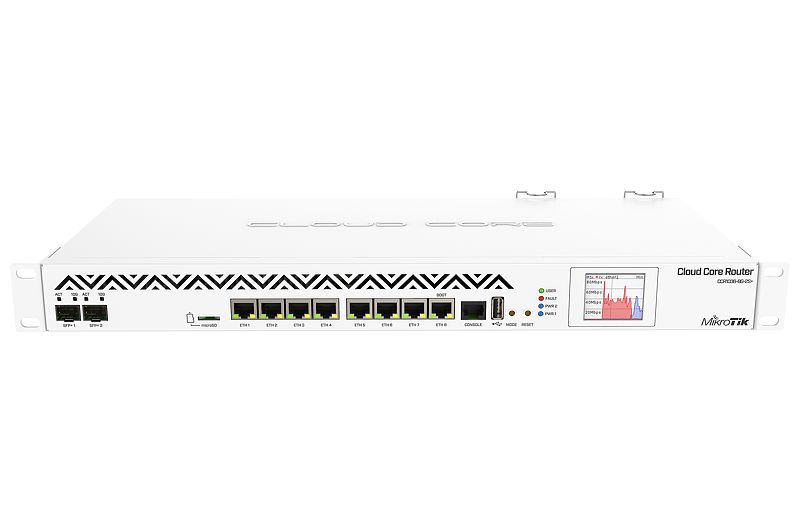
Hướng Dẫn Cấu Hình Dynamic DNS Cho Router Mikrotik
Copy source script dưới đây:
<Dành cho tài khoản trên Dyn.org>
#————— Change Values in this section to match your setup ——————
# No-IP User account info
:local noipuser “your_no-ip_user”
:local noippass “your_no-ip_pass”
# Set the hostname or label of network to be updated.
# Hostnames with spaces are unsupported. Replace the value in the quotations below with your host names.
# To specify multiple hosts, separate them with commas.
:local noiphost “hostname.no-ip.net”
# Change to the name of interface that gets the dynamic IP address
:local inetinterface “your_external_interface”
#————————————————————————————
# No more changes need
:global previousIP
:if ([/interface get $inetinterface value-name=running]) do={
# Get the current IP on the interface
:local currentIP [/ip address get [find interface=”$inetinterface” disabled=no] address]
# Strip the net mask off the IP address
:for i from=( [:len $currentIP] – 1) to=0 do={
:if ( [:pick $currentIP $i] = “/”) do={
:set currentIP [:pick $currentIP 0 $i]
}
}
:if ($currentIP != $previousIP) do={
:log info “No-IP: Current IP $currentIP is not equal to previous IP, update needed”
:set previousIP $currentIP
# The update URL. Note the “3F” is hex for question mark (?). Required since ? is a special character in commands.
:local url “http://dynupdate.no-ip.com/nic/update3Fmyip=$currentIP”
:local noiphostarray
:set noiphostarray [:toarray $noiphost]
:foreach host in=$noiphostarray do={
:log info “No-IP: Sending update for $host”
/tool fetch url=($url . “&hostname=$host”) user=$noipuser password=$noippass mode=http dst-path=(“no-ip_ddns_update-” . $host . “.txt”)
:log info “No-IP: Host $host updated on No-IP with IP $currentIP”
}
} else={
:log info “No-IP: Previous IP $previousIP is equal to current IP, no update needed”
}
} else={
:log info “No-IP: $inetinterface is not currently running, so therefore will not update.”
}
- Thay đổi các dòng màu đỏ tương ứng là theo tài khoản Dynamic DNS đã đăng ký tỳ thuộc host cung cấp là Dyn.org hoặc Noip.com
- Tiếp đó vào System -> Scripts -> Scripts chọn Add New, hoặc có thể cấu hình dựa trên Winbox

- Dán toàn bộ đoạn script trên vào phần source và cấu hình như sau:

- Chọn Run Script để khởi chạy script DDNS.
- Tiếp theo vào System -> Schedule chọn Add New,

- Lập lịch chạy cho script vừa tạo để luôn làm mới DDNS,

Nguồn: https://wifi.fpt.net
Hỗ trợ kỹ thuật : 0396827937
Hỗ trợ bán hàng: 0901188385 - 0396827937